Feature
Tabulation engine
A purpose-built crosstab engine for survey data. Compiled from Rust to WebAssembly, running in your browser. Local tabulation avoids an analysis-server round-trip.
Drag, drop, and the table is there
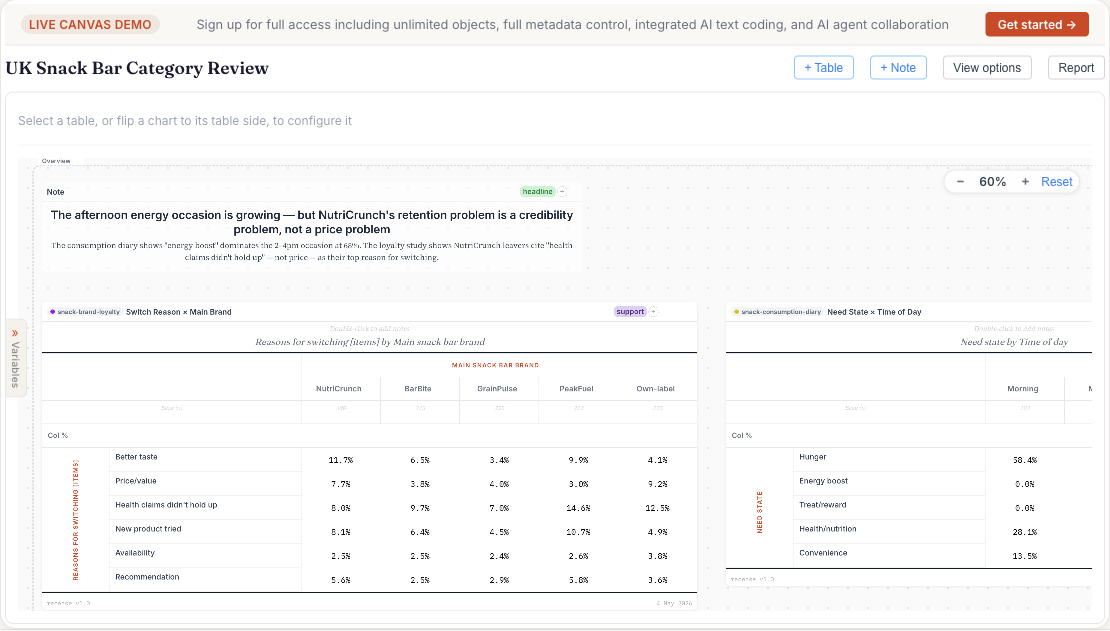
Drag a variable to rows, another to columns, and the table is on the screen. Add measures (count, percent, mean, weighted base), apply filters, switch percentaging direction, change weight schemes — each edit recomputes immediately. There's no server round-trip in the way, because there is no server in the way.
What it understands about survey data
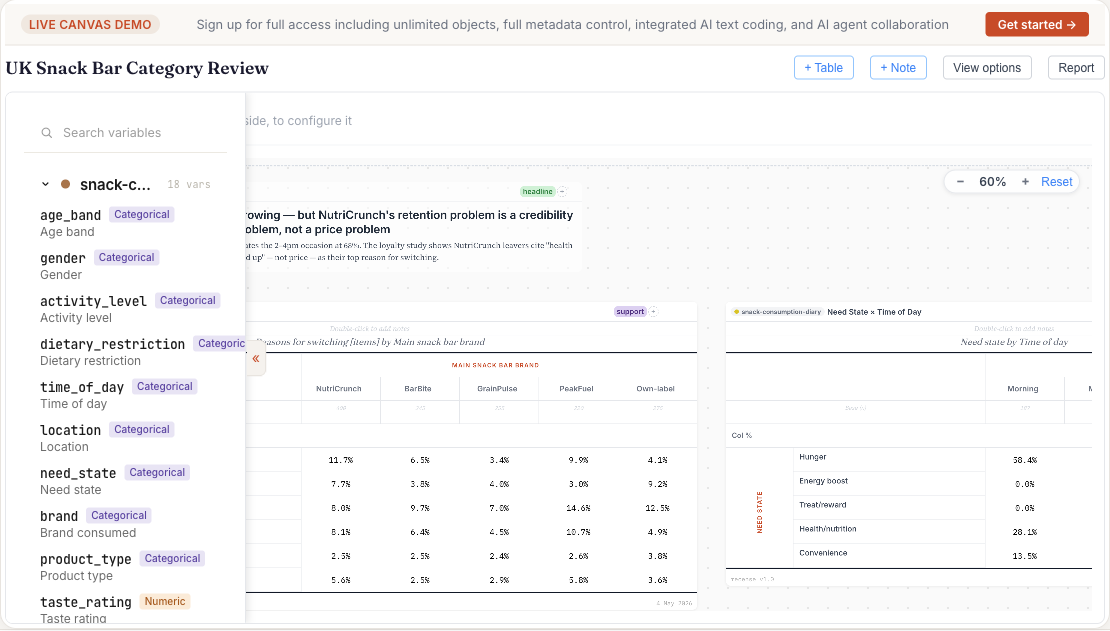
- Variable types out of the box. Categorical, ordinal, binary, numeric, date, free text and weight, with multiple-response sets and grids grouped into one question. Types are inferred on import, and you can change any of them.
- Missing-value semantics. SPSS user-defined and system-missing codes are honoured throughout, so bases count the respondents who answered without manual filtering.
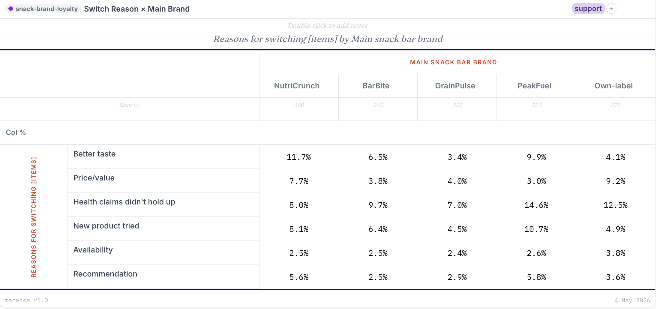
- Weighting. Apply a weight variable from the dataset per table, or build a new calibration weight to target margins in the Weighting tab: raking, bounded logit or linear, with convergence diagnostics. Each table states its unweighted, weighted and effective bases.
Derived variables and formula cells
- Significance testing. Pairwise column tests for proportions and means, and chi-square, using the effective sample size for weighted data. Choose the significance level per table, with optional Bonferroni correction.
- Derived variables. Build new categories, recodes, and groupings without leaving the canvas. Derivations are first-class — they recompute when source data changes.
- Formula cells. Excel-style cell formulas live inside the table. Compute net scores, indices, point differences from neighbouring cells — without exporting to Excel.
Why it's fast
The engine is written in Rust and compiled to WebAssembly, so it runs as compiled code inside your browser. Filtering, weighting and significance testing happen on your machine, as you work.
Performance depends on your device, dataset, and table shape. Local tables do not wait for an analysis-server queue or upload.
See it on real data
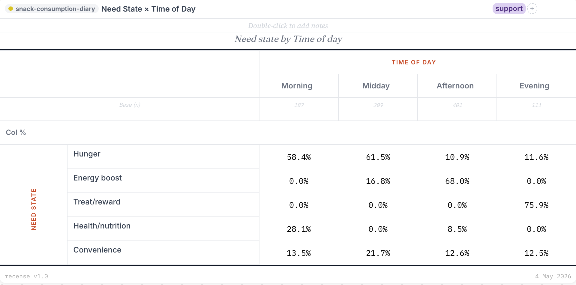
The homepage has a live, working canvas with sample data loaded.