Feature
Import and data prep
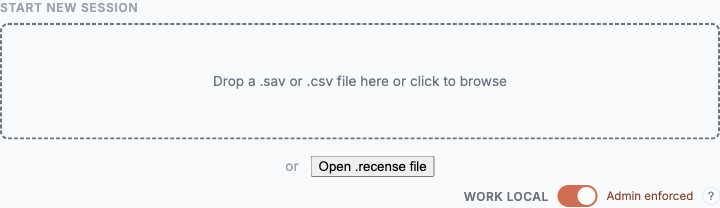
Drag the .sav in. Recense reads it in your browser, infers structure, and presents a working canvas in seconds. The metadata that survey data lives or dies by — labels, missing codes, weights, multi-response sets — is preserved.
Bring your file as-is
- SPSS .sav — first-class. Variable types, value labels, user-missing codes, weights, and dataset metadata are preserved on import.
- CSV — supported. Recense suggests types and missing-value semantics and asks you to confirm what it can't infer.
- More formats on the roadmap. If yours isn't listed, tell us.
- Your brief and questionnaire. Add them as you import, and the AI agents start from your objectives and the way each question was asked.
Automatic structure inference
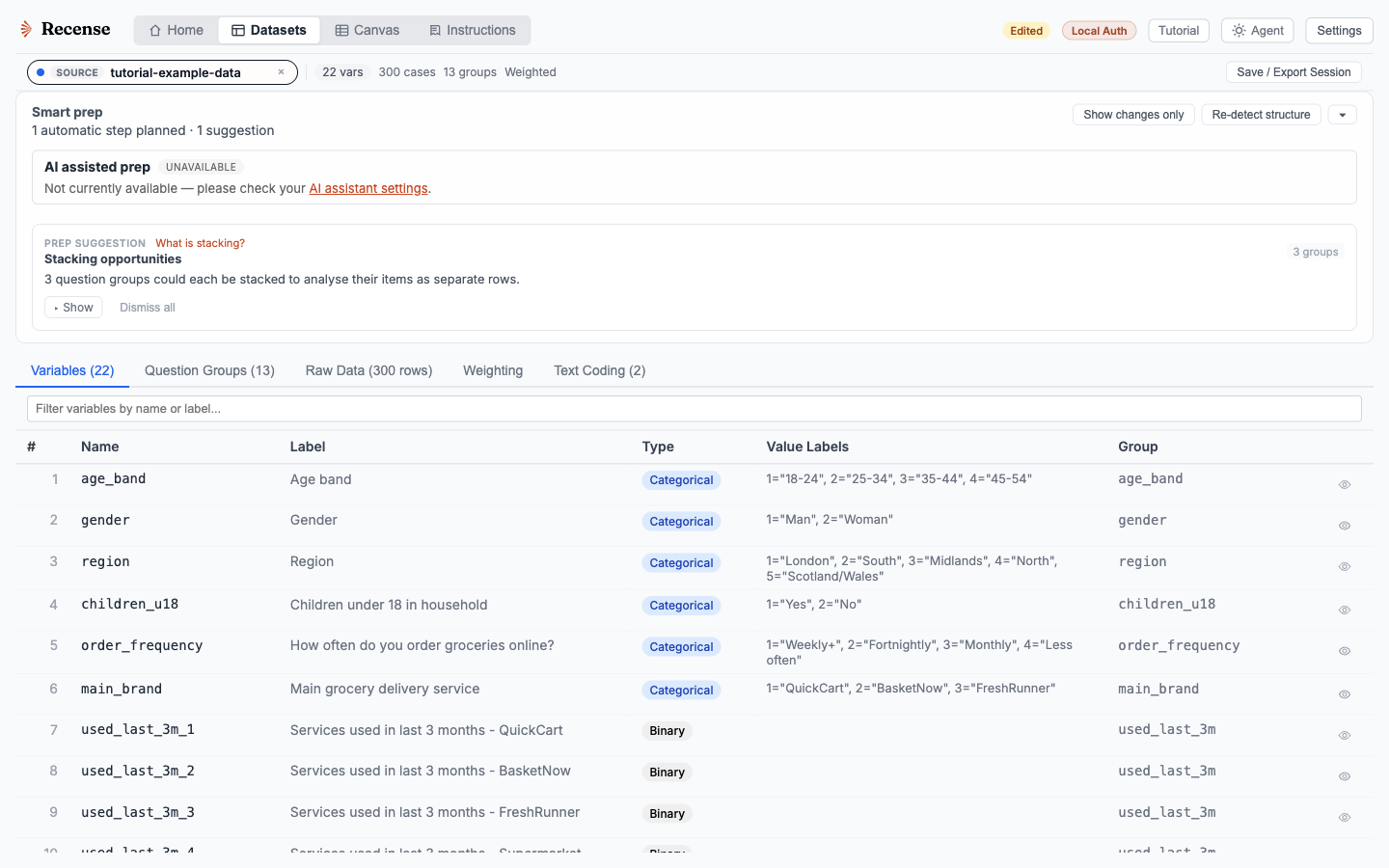
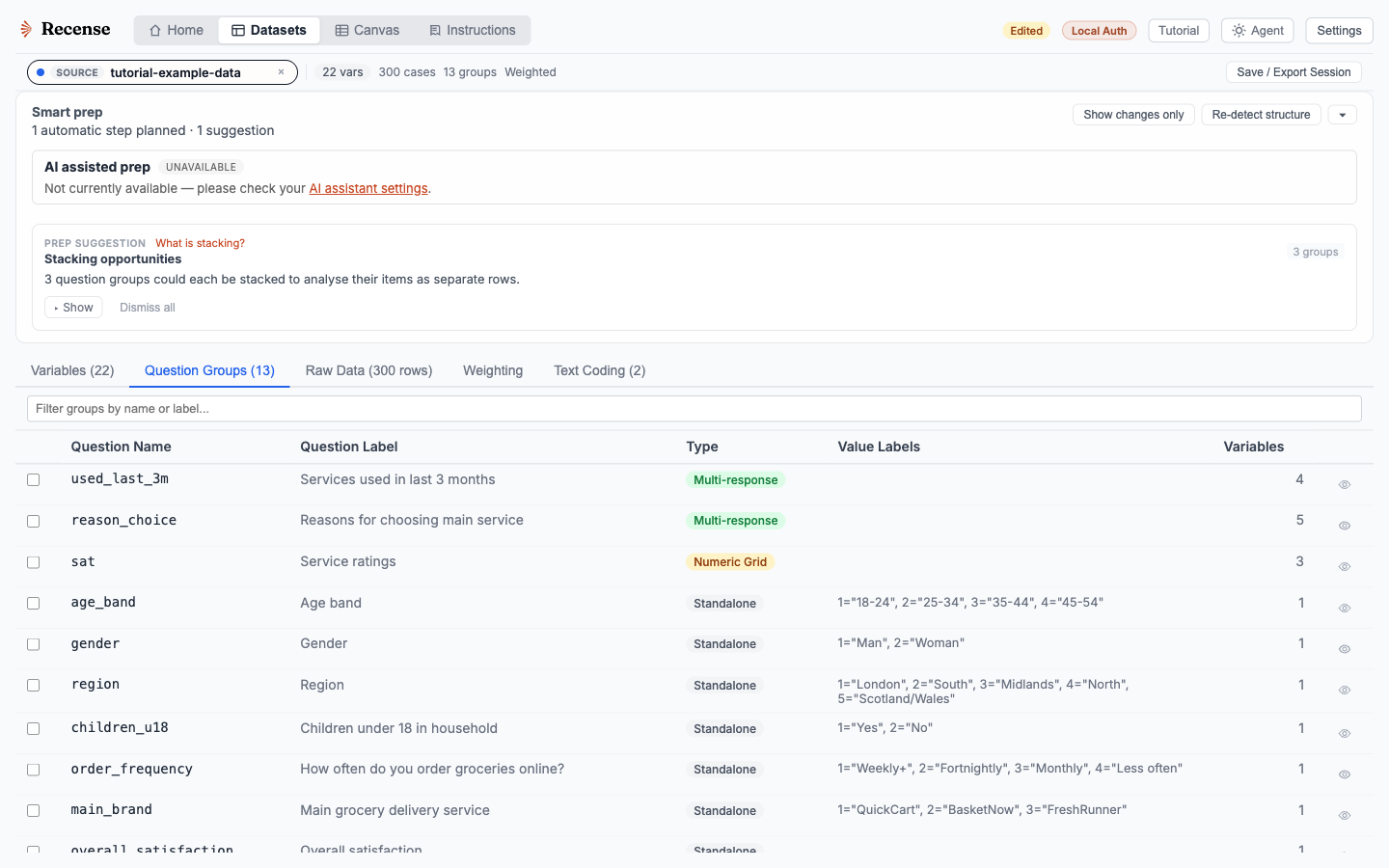
On import, Recense classifies each variable as categorical, ordinal, binary, numeric, date, free text or weight, and groups related columns into questions. User-missing codes are recognised and weight variables are flagged. Multi-response sets stored as a stack of binary columns are reassembled into one question.
Inference is a starting point, not a verdict. Change a type, redefine a missing code, recast a numeric column as ordinal, or regroup a grid. Fix it once at the source, and every downstream table, derived variable and chart updates.
Survey-aware handling
- Value labels everywhere. Tables, charts, filters, and agent prompts use the human-readable labels, not the underlying integer codes.
- Missing-value semantics. SPSS user-missing and system-missing codes flow through the tabulation engine. Bases reflect the respondents who answered, not row counts.
- Weights. Use the weights in the file, or build a new calibration weight in the Weighting tab. Tables state unweighted, weighted and effective bases.
- Multiple response. Sets and grids are analysed as one question. No reconstruction in Excel needed.
- Looped questions. Repeated blocks, such as the same questions asked for each brand, are recognised as one question with two dimensions. Stack them into a respondent-by-item dataset when you need to analyse at that level.
Speed
Recense parses local files in the browser and keeps their columns on your device for analysis. Import time depends on file size, structure, and your device. Review the inferred metadata before relying on the first table.
Bring a file
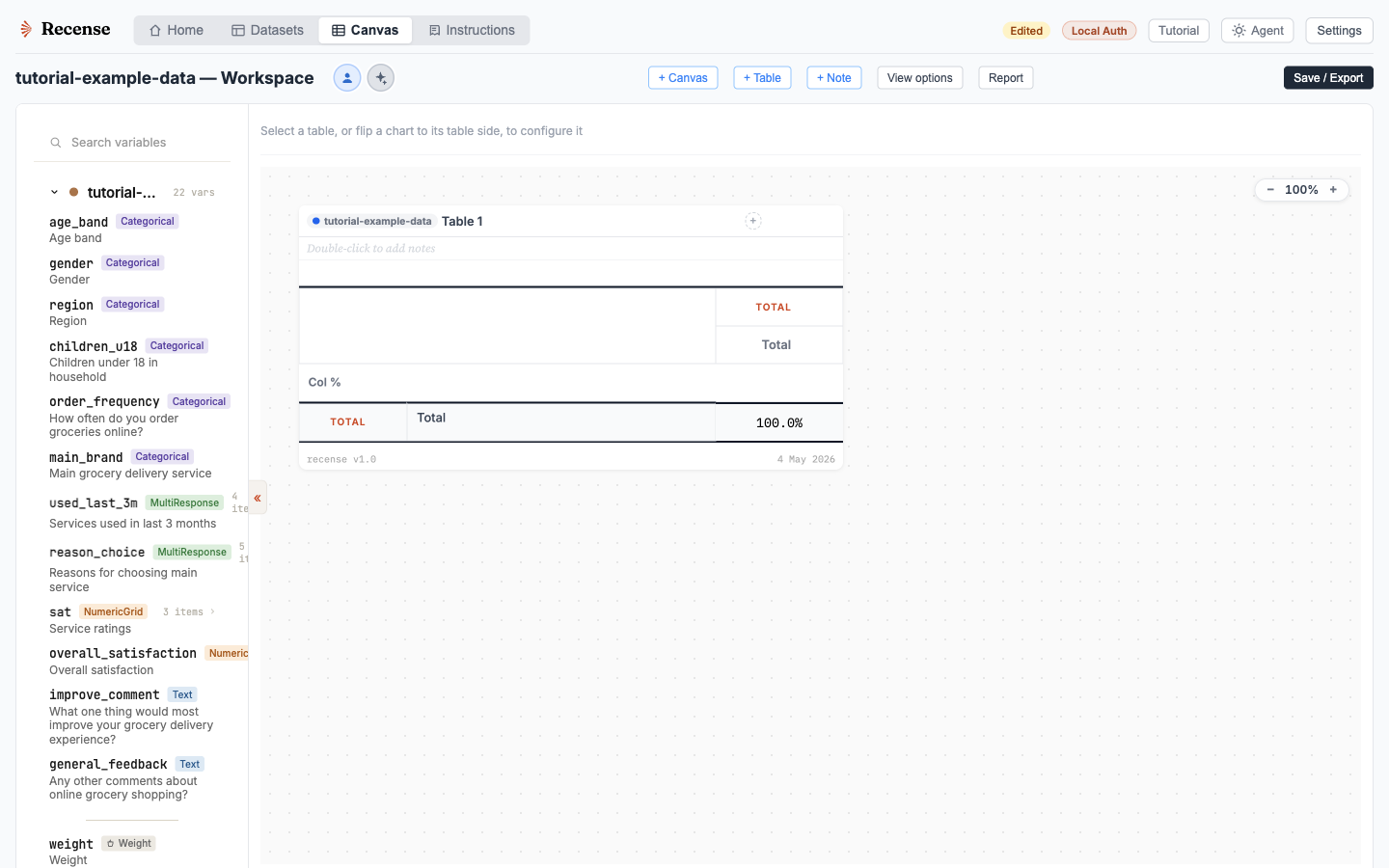
The fastest way to evaluate Recense is to drop your own .sav into the canvas.