Working with AI
Find the story together
Good survey analysis comes from finding the story, framing it and choosing the evidence that carries it. Recense's agents do that work with you: they draft, review and build on your analysis, and you edit, redirect and decide what stays.
You lead, the agents build
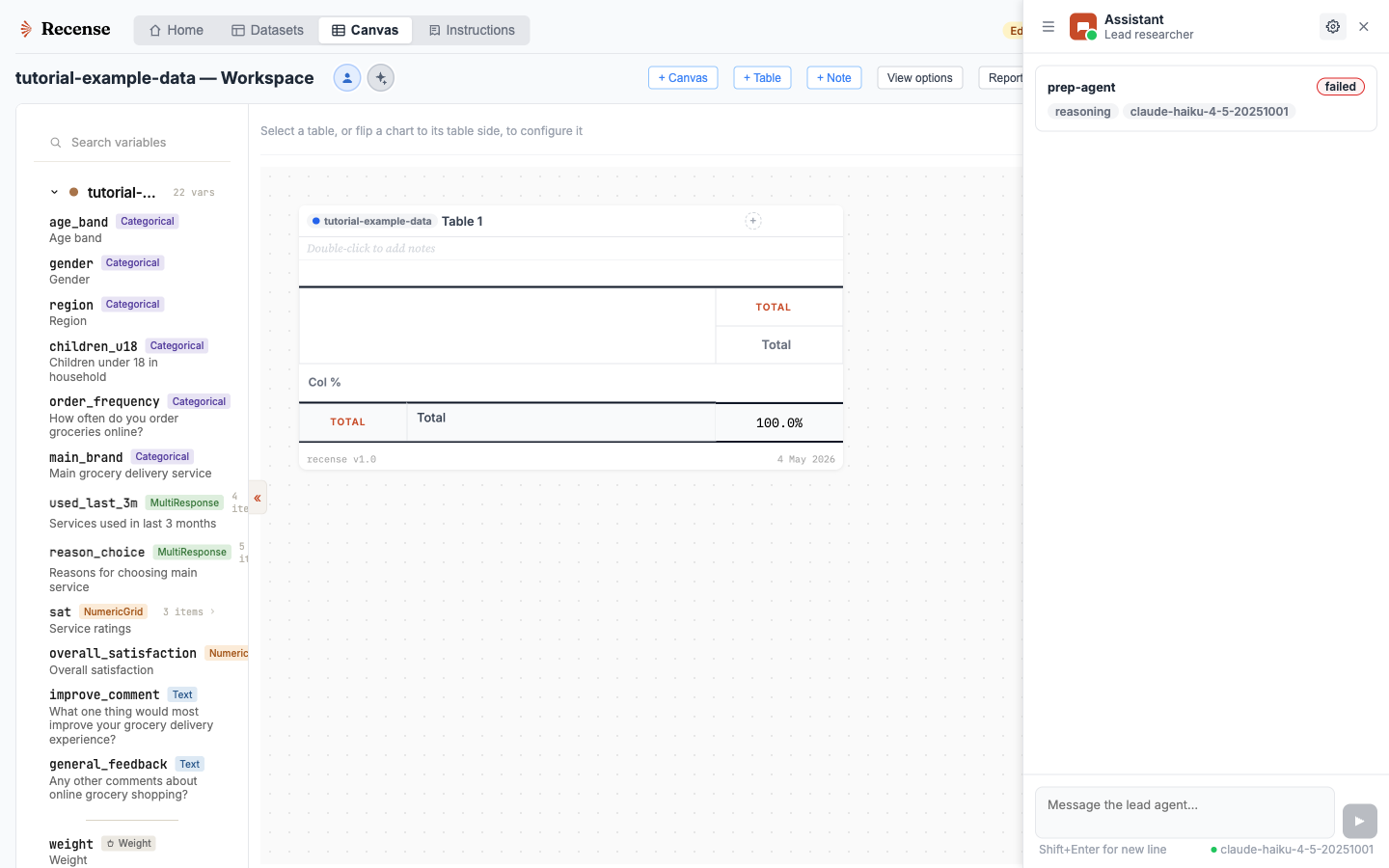
Brief an agent the way you'd brief a colleague. It builds the tables, applies filters and weights, derives the variables it needs, and drafts commentary next to the evidence.
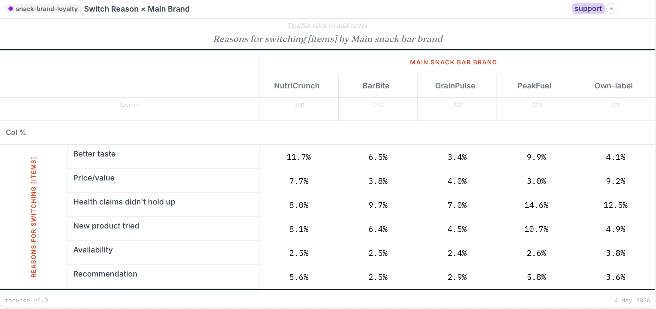
Everything it makes is the same kind of object you make yourself: a real table you can re-cut, filter or extend, and a note you can rewrite. Nothing is stuck in a chat transcript.
It starts from your context. Add the research brief and questionnaire when you import, and standing instructions for how you like things done, and every conversation works from them.
They work on your work too
The partnership runs both ways. Point an agent at any table or note on the canvas and ask it to:
- review a headline you've written and say whether the numbers support it;
- find the cut that tests a hunch, or the evidence for a point you want to make;
- extend your table with the measures or comparisons it's missing;
- tighten or rewrite a draft, yours or its own, and carry on from your edited version.
You decide what stays
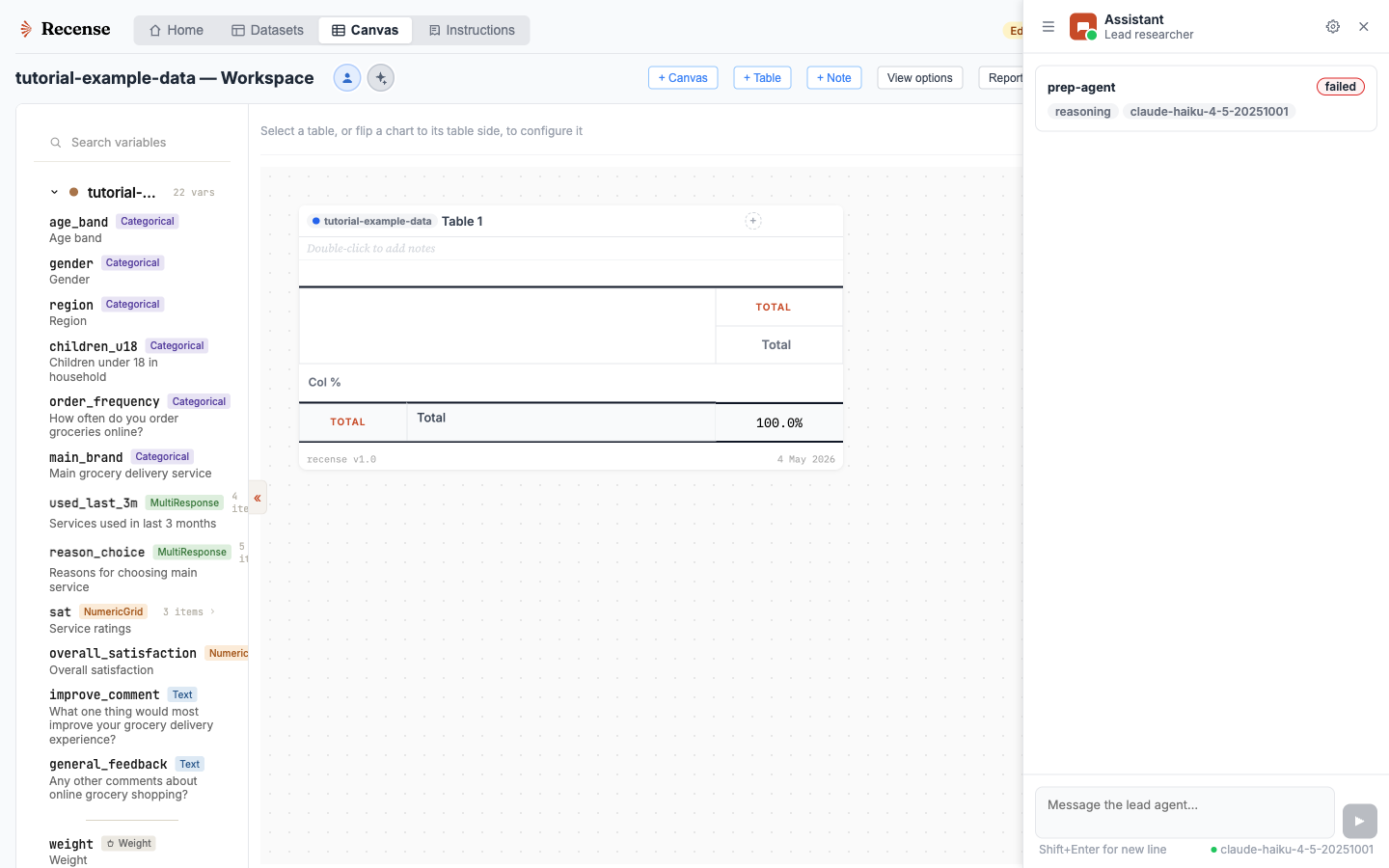
Agent changes arrive as proposals. Keep or discard each one, or accept all edits for a conversation when you're happy to move faster. Every change is recorded, and you can undo it from the canvas history while nothing newer depends on it.
The model you choose
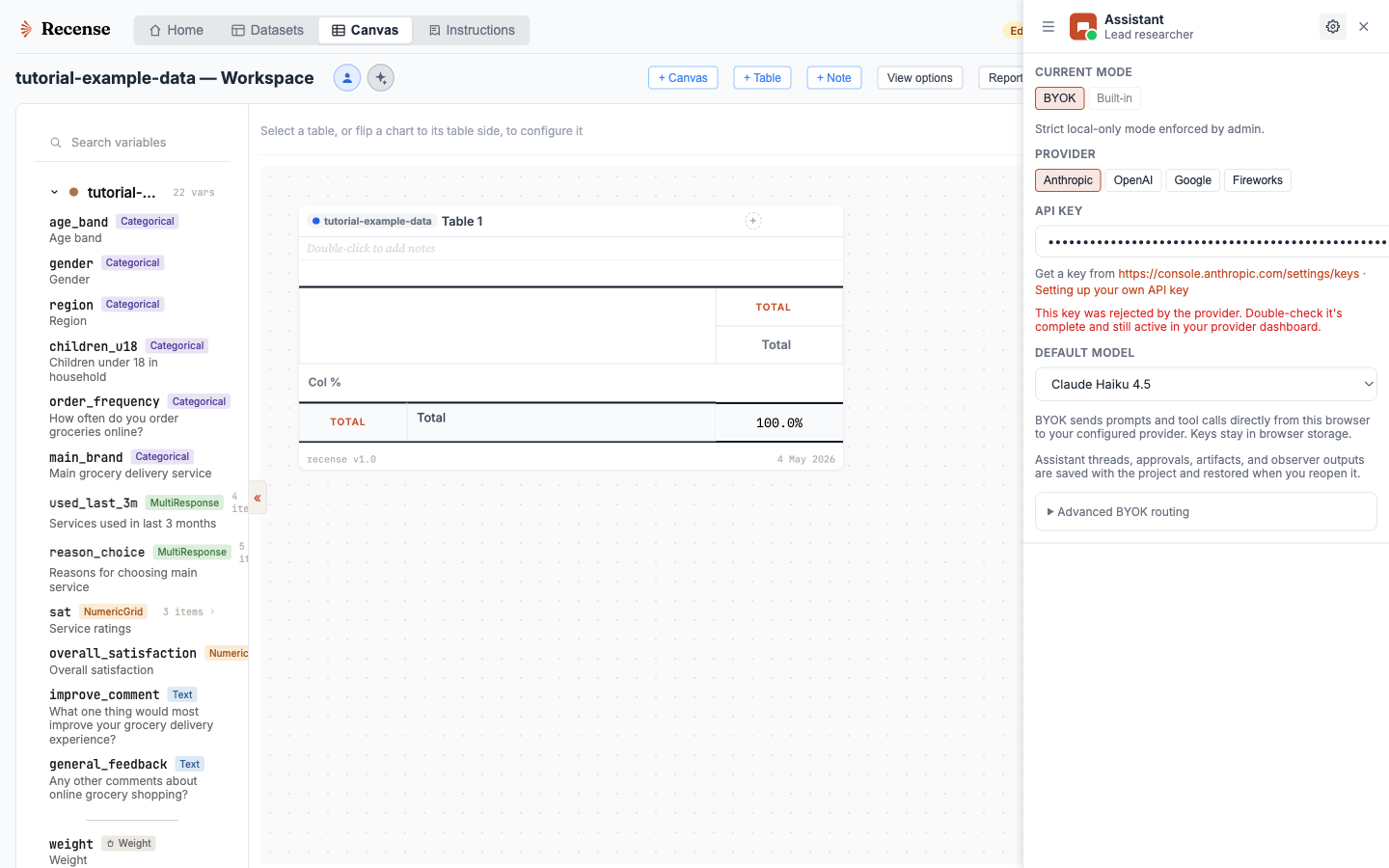
Frontier models improve month to month, so Recense doesn't lock you to one.
- Your own key. Connect an Anthropic, OpenAI, Google or Fireworks key. Requests go directly from your browser to the provider, under your agreement with them.
- Built-in agent. Use a managed agent with included credits if you'd rather not handle keys. Recense proxies the requests without retaining conversation text.
- Your own AI client. Connect Claude Desktop, Cursor or another MCP client to work with your Recense canvas.
Brief an agent on your data
Recense is in private beta, with access by invitation.