Privacy and architecture
Analyse client data without uploading it
Recense is local-first by design. Tabulation runs in your browser, AI requests can go straight to your own provider, and cloud features are opt-in and encrypted on your machine before they leave it. The architecture is the privacy story, not a policy page on top of a default-cloud product.
Where computation runs
The Recense engine is compiled from Rust to WebAssembly and runs in your browser. When you open a local SPSS file, the bytes are read by your browser, parsed in WASM, and held in your browser's memory and IndexedDB. Tabulation, derived variables, weighting, and significance testing all happen on your machine. No data is sent to a Recense server for any of this.
The engine is closed-source today, but the entire compute path is client-side: the WASM that runs in your browser is the implementation, and the verification guide explains the stricter local-auth deployment and how to inspect its network behaviour. Open-sourcing the engine is on the post-launch roadmap.
What touches the network, and when
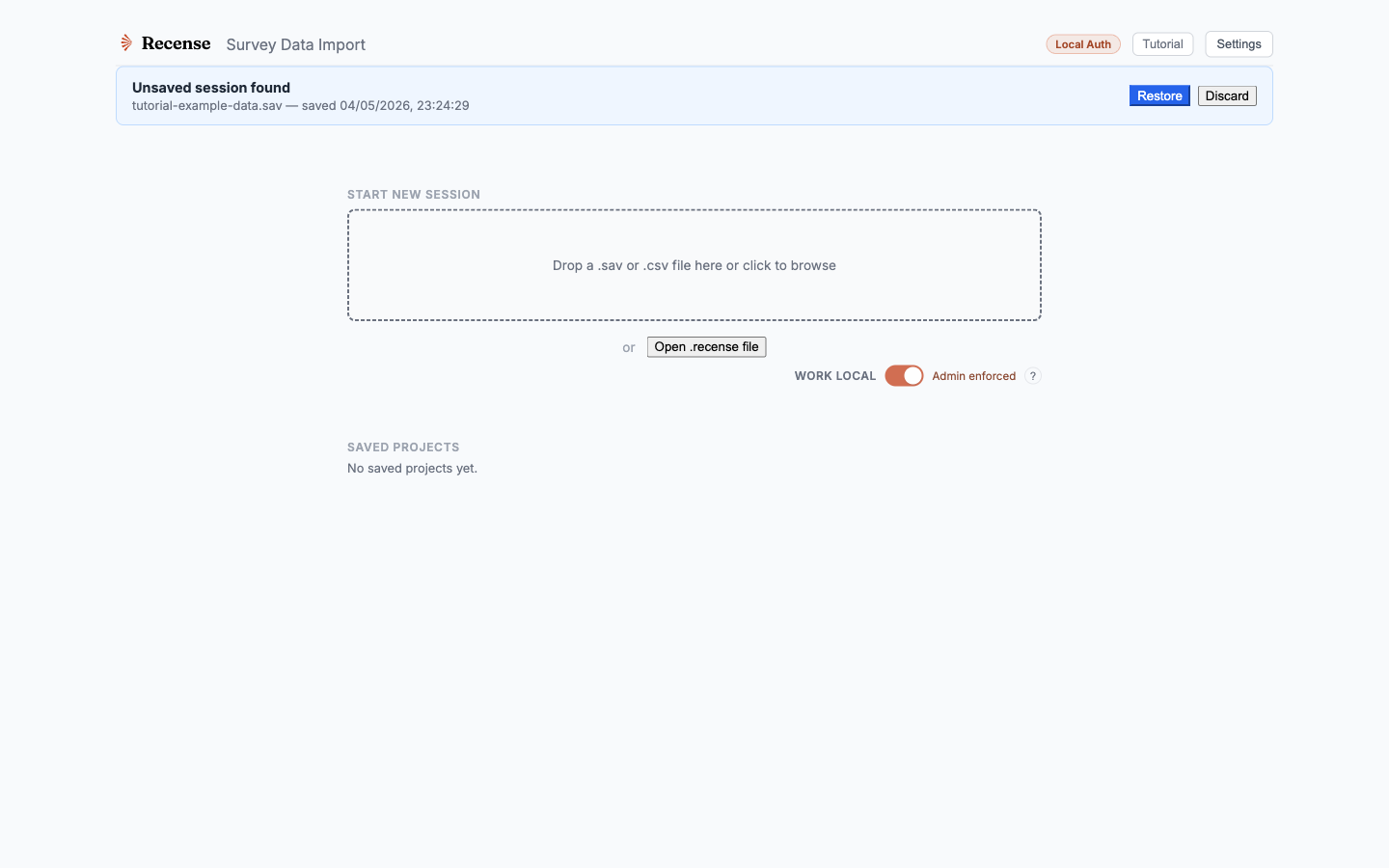
- Local files. Never uploaded to Recense. The whole tabulation surface works offline once Recense is loaded. When you work with an AI agent, the parts of the analysis it needs go to the AI provider you chose.
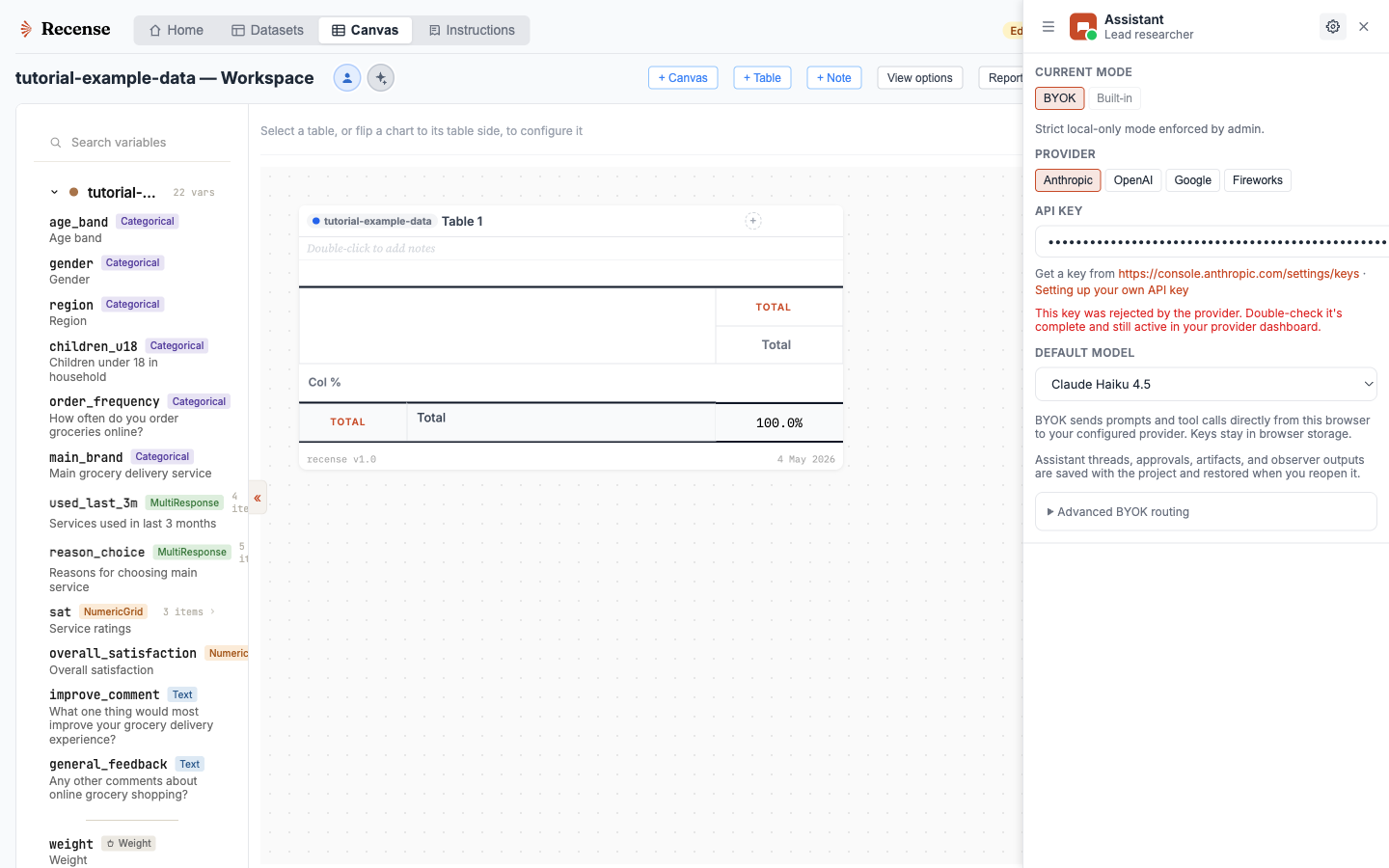
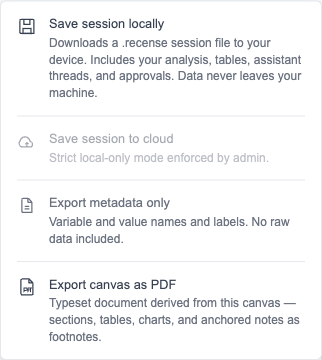
- Cloud projects. If you choose to save a project to the cloud, the bytes are encrypted on your machine with AES-256-GCM before upload. By default (convenience mode) Recense can technically decrypt them to run cloud features; switch on zero-knowledge mode in settings and the keys are wrapped under a passphrase only you hold, after which Recense cannot.
- Cloud datasets. Same model — client-side encryption before upload, plus the minimum catalogue metadata needed to organise the library. The convenience-vs-zero-knowledge choice applies here too.
- Hosted compute (enterprise). A separate mode for datasets your organisation explicitly publishes. Not the default, and not on by accident.
How AI is wired up
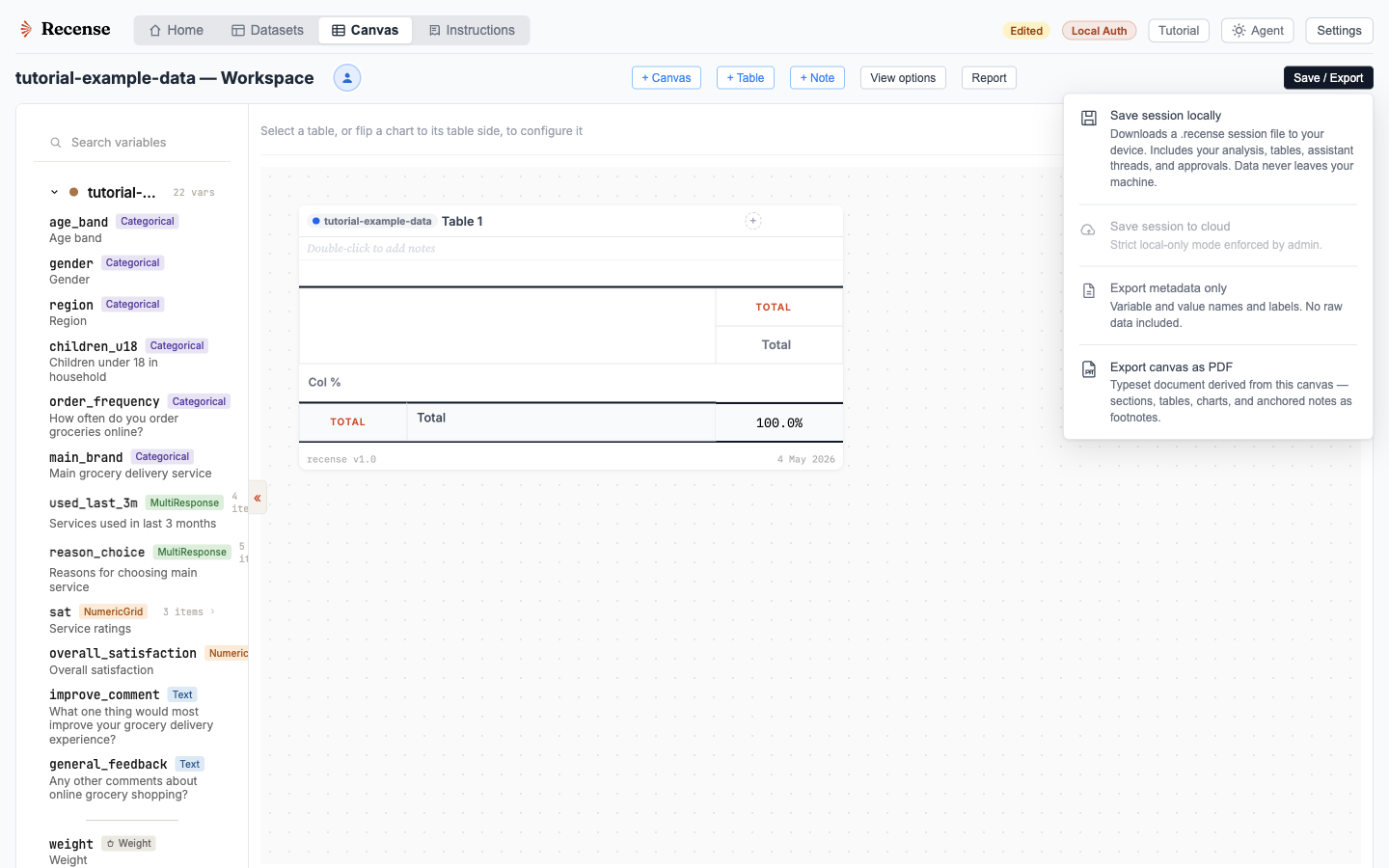
- Bring your own key. Conversations go directly from your browser to your chosen provider (Anthropic, OpenAI, Google, Fireworks), without the Recense AI proxy. Keys are stored locally and sent to the chosen provider to authenticate requests.
- Built-in agent. Conversation messages are proxied to the selected provider. Recense does not retain conversation text in the AI proxy. Per-request metadata (user, model, token counts) is retained for billing and abuse detection. Conversation history is part of your project and is encrypted if you choose cloud saving. Provider retention, caching, and regional processing depend on the selected service and account configuration. See the privacy policy for the data sent with AI requests.
- No model training on your data. None of the providers we route to (Anthropic, OpenAI, Google, Fireworks) train on API data by default, and we don't direct them to. We don't use your data or conversations to train models either.
What we don't do
- No third-party analytics or tracking pixels on the product.
- No selling, renting, or sharing of customer data.
- No remote raw-data access path in the hosted product.
- No conversation text retained by the AI proxy. Cloud-saved projects can include encrypted conversation history. Provider-side retention varies.
For procurement and InfoSec
The detailed security page covers encryption layers, sub-processors and their compliance posture, account data handling, error tracking, GDPR posture, and responsible disclosure.
Try Recense without uploading anything
Recense is in private beta, with access by invitation. Local analysis requires no upload.